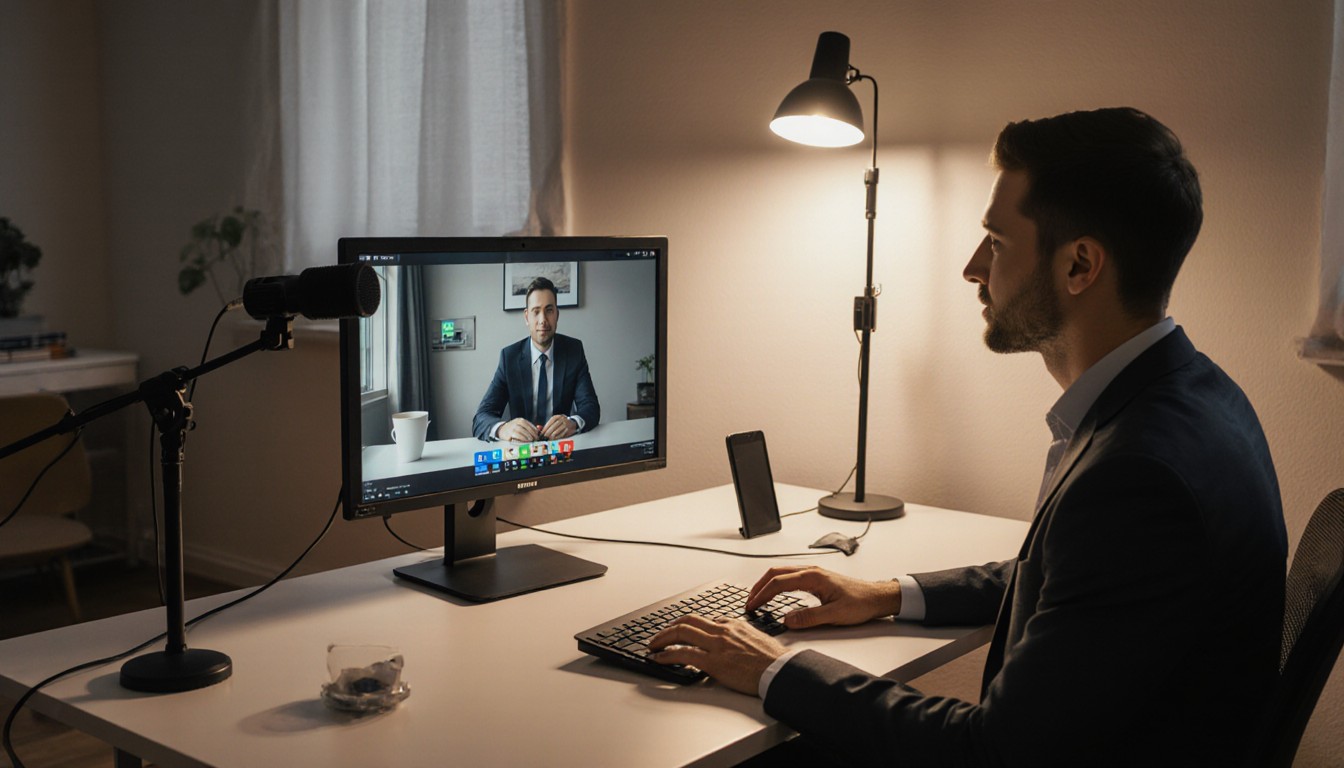
Virtual meetings fail for the same reasons live rooms fail: bad audio, bad light, and a camera that makes you look like you're in witness protection.
You don't need a broadcast truck. You need three basics done on purpose.
Microphone
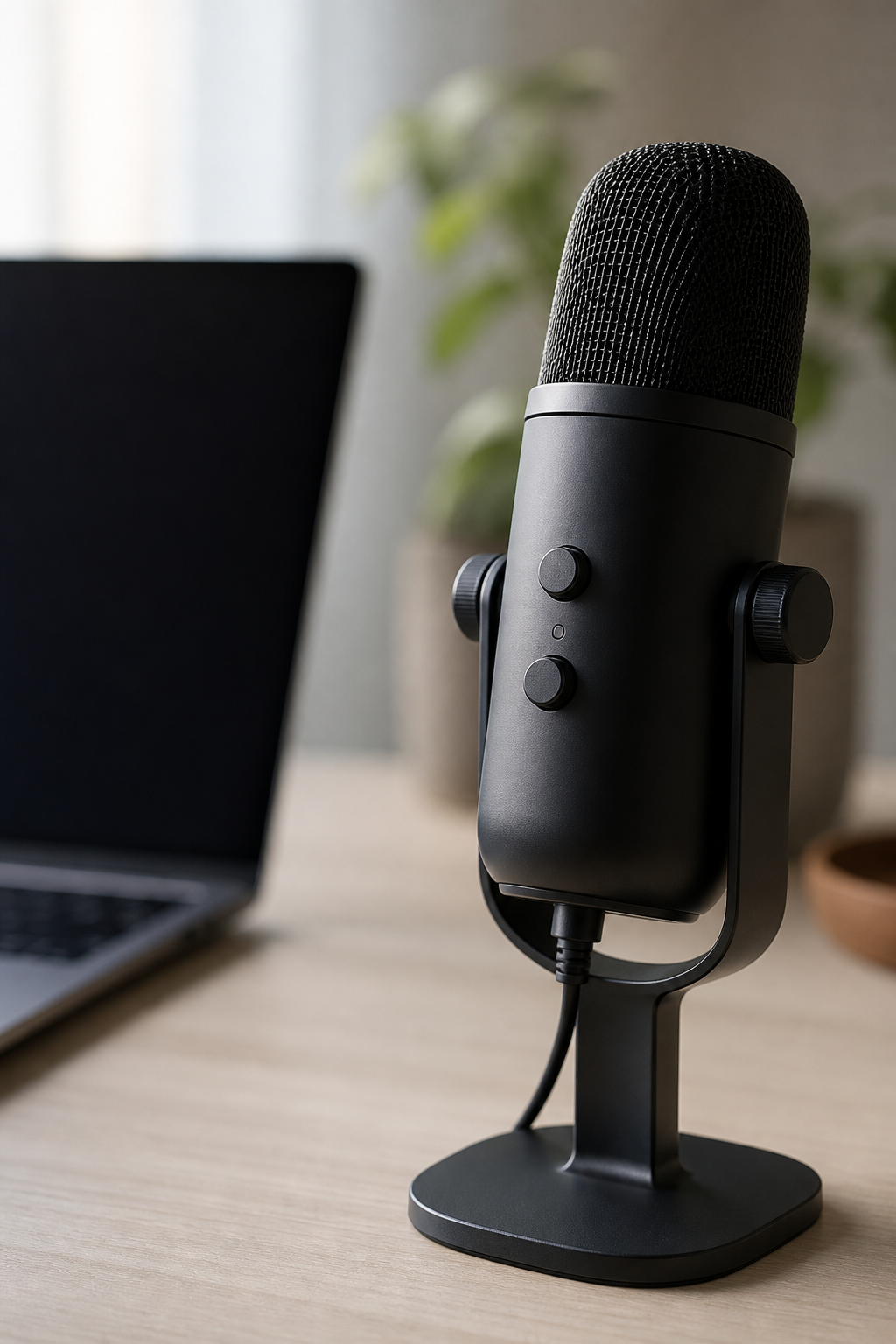
A USB mic or headset beats the laptop mic every time. Keep it close, keep keyboard noise down, and mute when you're not talking — especially on hybrid calls where the room speakerphone is also live.
Camera height
Lens at eye level. Looking down at a laptop on your desk is how you get the "ceiling tour" angle. A cheap stack of books under the laptop is fine.
Light
Face a window or a soft lamp. Don't sit with a bright window behind you. If the background is busy, blur it or simplify it — viewers shouldn't be reading your bookshelf instead of listening.
Room and network
- Hardwire ethernet when you can; wifi drops still ruin pitches
- Close the door; HVAC and hallway chatter read as "amateur" fast
- Test screen share and video playback before the call, not during it
Treat the call like a small live show with one camera. Same standards, smaller footprint.
Need a virtual room that holds up?
We'll help you set mic, light, and camera so the call is watched — not tolerated.
Start a project